How to share a Figma prototype link without login
Published
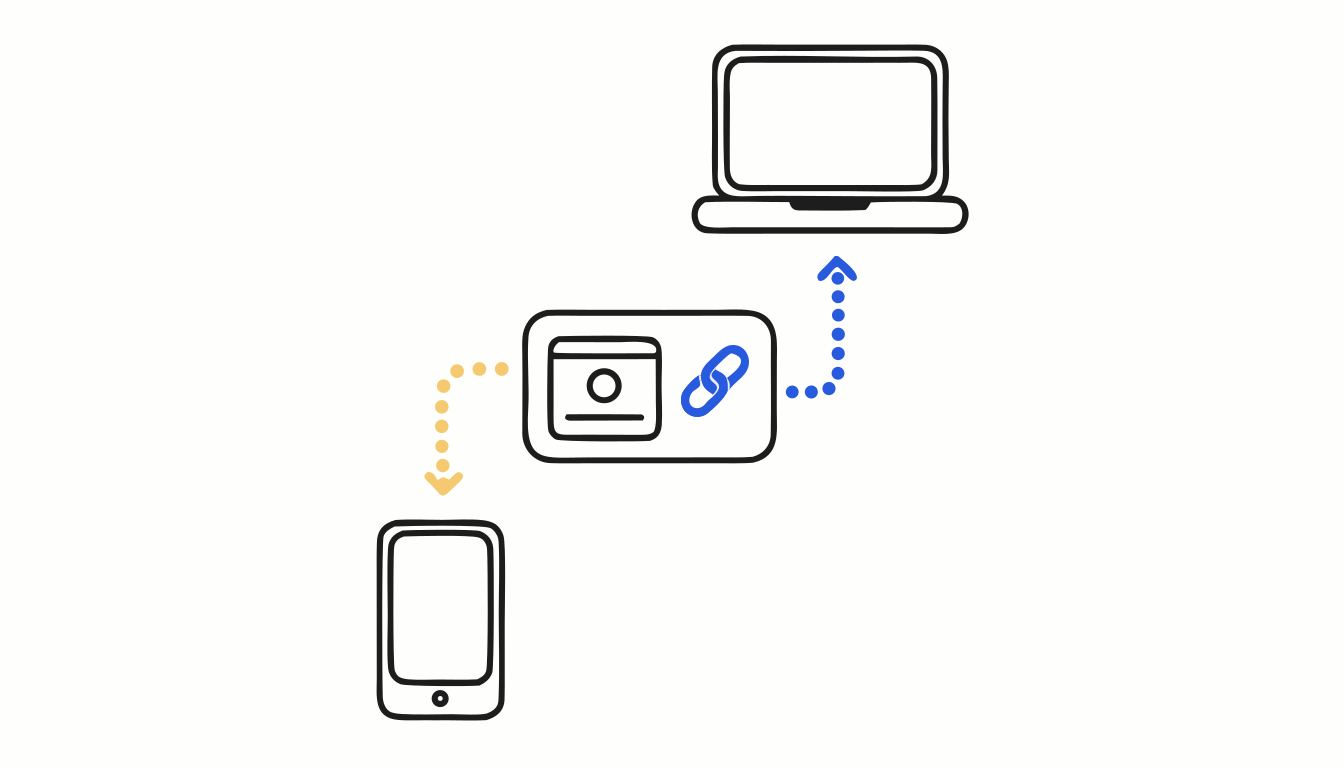
In short: In presentation view, click Share prototype and set access to Anyone with the link: people can then view the prototype without signing in to Figma.[2] Any other setting asks them to log in with a Figma account. A password and prototype-only links need a paid plan, and admins on Organization and Enterprise plans can turn public links off.[3][4]
You send the prototype to a client, a recruiter or your manager. They click, and Figma asks them to log in. Half of them stop right there. The fix is one setting, as long as your team allows it.
How to share a Figma prototype with anyone
- Open the prototype with Present.
- Click Share prototype in the toolbar.[2]
- Under access, choose Anyone with the link, and give the link view access.[2]
- Click Copy link and send it.
Before you send it, open the link in a private window to check it plays without a login. On a phone, the same link opens in the mobile browser, or in the Figma app if it’s installed.[1] For a cleaner first view, add &hide-ui=1 to the link, the same thing Hide UI does in presentation view.
What paid plans add
- Prototype-only links. The viewer sees the prototype and can’t open the design file behind it.[2]
- A password. People need it to open the link, unless they already have access to the file through its team or folder, or an email invite.[3]
Why the link still asks for a login
- Public links are turned off. On Organization and Enterprise plans, admins can disable link sharing outside the organization. Then Anyone isn’t an option at all.[4]
- Access is limited to your team or your organization. Anyone outside has to log in.[2]
- It’s still a live file. If you keep working on the design, the person sees today’s version, not the one you wanted to show.
- The preview is generic. In Slack or an email, a prototype link doesn’t show the flow. People have to click to know what it is.
Your Figma prototype as a video, without the cursor. Proto to Video records the prototype you open with Present and exports MP4, GIF or WebM, cropped to your frame, with no cursor or Figma interface. Free for Chrome.
Add to Chrome — it's freeGoing further: share a video instead of a file
Sometimes the person doesn’t need to click through the prototype, just to see it. Proto to Video records the flow and gives you a share link with a preview image, so the message already shows the screen. If you export a new version, the link stays the same. On the Studio plan, the page carries your name and logo, can have a password, and counts views. Nobody has to log in anywhere, and nobody sees your work in progress. If you’d rather send a file, see how to export a Figma prototype to video.
FAQ
Can you view a Figma prototype without logging in?
Yes, if the owner sets the prototype’s access to Anyone with the link. Otherwise viewers need to log in with a Figma account (Figma Learn, Share files and prototypes).
Why does my Figma prototype link ask people to log in?
Access is limited to people in your team or organization, or an admin on an Organization or Enterprise plan has turned off public link sharing (Figma Learn).
Can I password-protect a Figma prototype?
Yes, on paid plans. People with access to the file through its team or folder, or through an email invite, don’t need the password (Figma Learn, Add password protection to files and prototypes).
Sources
- Figma Learn. View prototypes on a mobile device. https://help.figma.com/hc/en-us/articles/360040321093
- Figma Learn. Share files and prototypes. https://help.figma.com/hc/en-us/articles/360040531773
- Figma Learn. Add password protection to files and prototypes. https://help.figma.com/hc/en-us/articles/5726720100247
- Figma Learn. Manage public link sharing and open sessions. https://help.figma.com/hc/en-us/articles/5726756336791
Your Figma prototype as a video, without the cursor
Proto to Video records the prototype you open with Present and exports MP4, GIF or WebM, cropped to your frame, with no cursor or Figma interface. Free for Chrome.
Add to Chrome — it's free