Blog
Guides to record, export and share your Figma prototypes, with what Figma does and does not do.
How to record a Figma prototype on Windows
Record a Figma prototype on Windows with Snipping Tool (Windows + Shift + R): the Figma settings to change first, the steps, where the video goes, and its limits.
How to present a Figma prototype in your portfolio
Embed, link or video: three ways to put a Figma prototype in a design portfolio, how to set each one up, and why a short looping video is usually the safest.
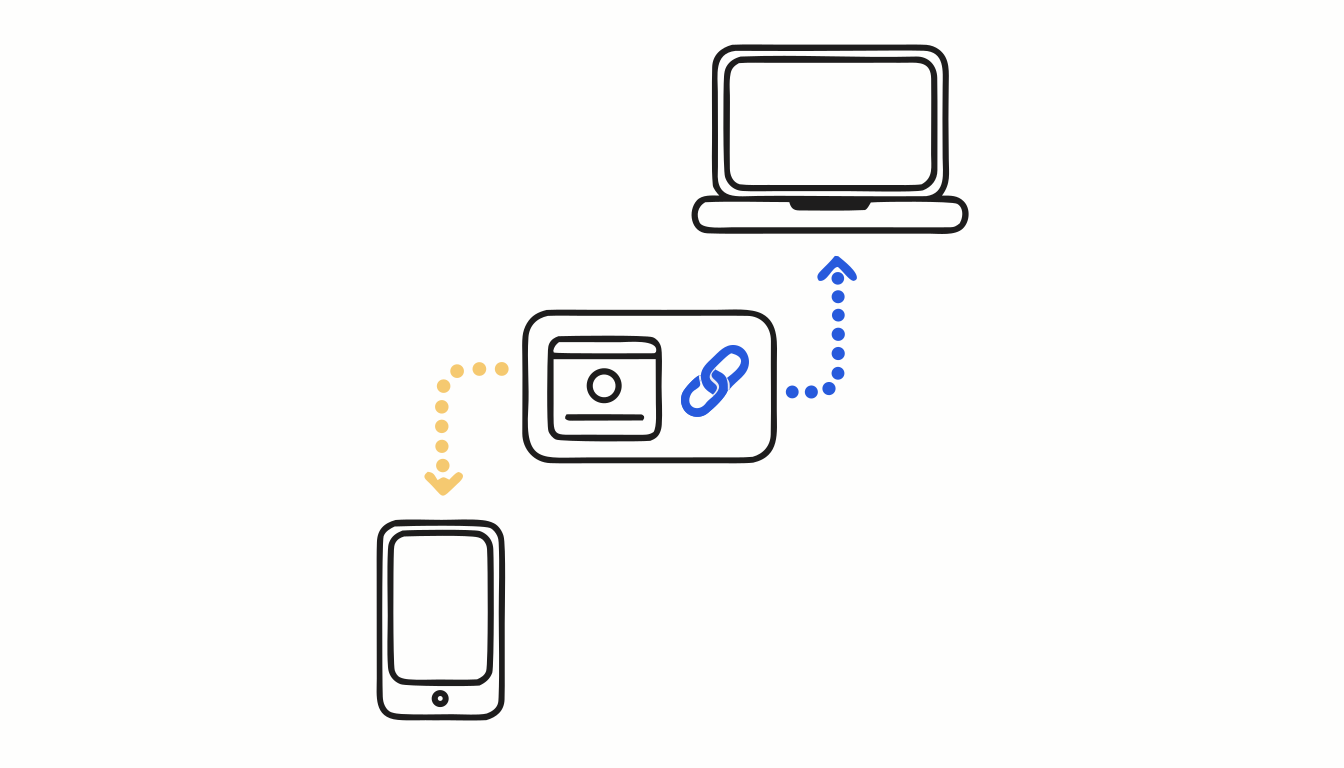
How to share a Figma prototype link without login
How to share a Figma prototype so anyone with the link can open it, without signing in. The exact setting, what paid plans add, and what can block the link.
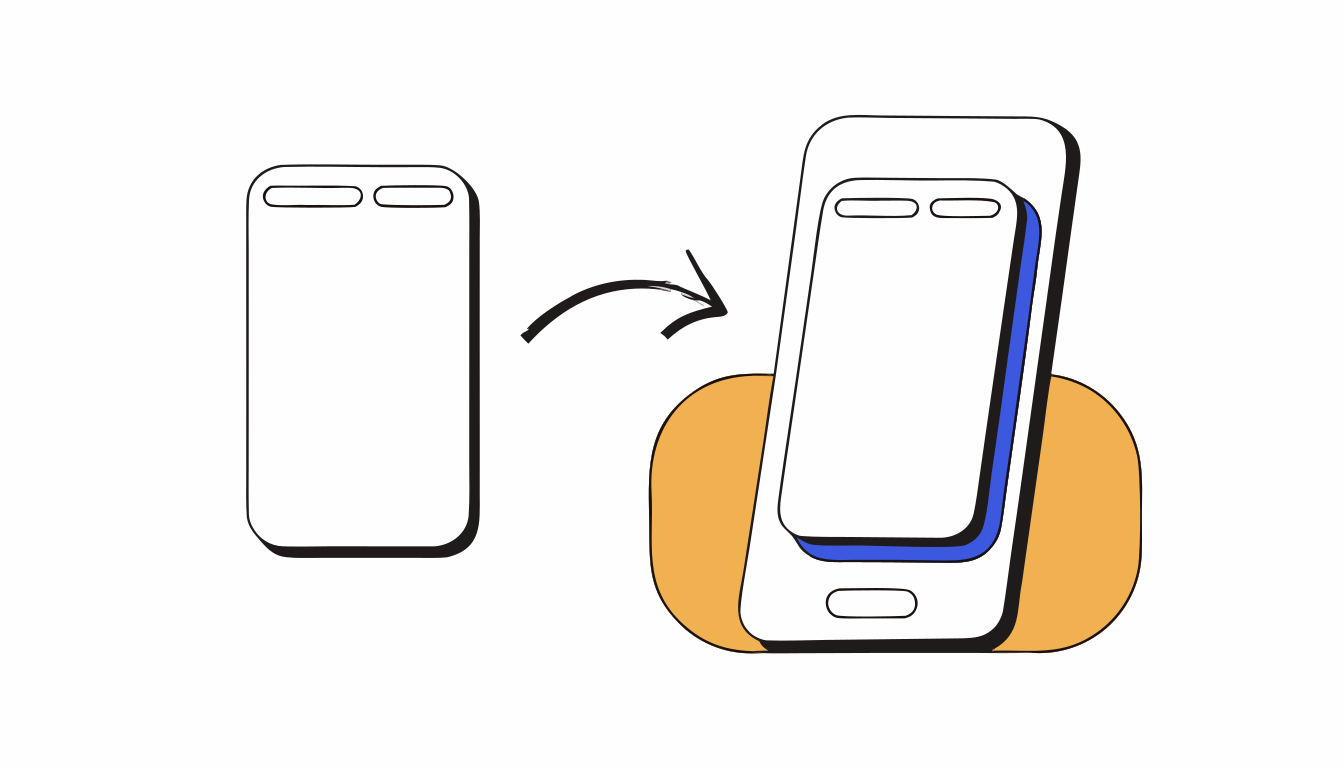
How to export a Figma prototype with a device frame
Figma shows a device frame around your prototype in presentation view, but never exports it. Where the setting is, its limits, and how to get a framed video.
How to record a Figma prototype on Mac
Record a Figma prototype on Mac with Shift-Command-5: the Figma settings to change first, the exact steps, where the file goes, and how to keep the cursor out.
How to export a Figma prototype to GIF
Figma exports static images and Motion animations, not a prototype as a GIF. What each export does, the GIF trap with Smart Animate, and how to get a light looping GIF.
How to export a Figma prototype to video
Figma has no "export prototype to video" button. What Figma Motion exports, how to screen record a prototype cleanly, and how to get an MP4 with no cursor.
First article on .